

Requirements
Target setting is available as part of the SourceMedium feature set.Background
Please reach out to the SourceMedium Customer Solutions Analyst team to enable target setting and update your Executive Summary with the correct widgets.Target Setting is only available for the following metrics:
Target Setting is only available for the following metrics:
- Net, Total and Gross Revenue
- Orders
- Spend
- AOV
- CPA
- CPO
- CVR
- Sessions
- ROAS

Steps
-
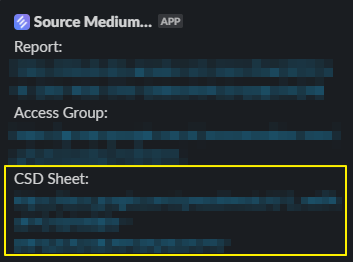
Open your SourceMedium Configuration Sheet:
- Check your onboarding email thread for the Google Sheets link
- Check your shared SourceMedium Slack channel for the Configuration Sheet link (often pinned)
- If you can’t find it, email support@sourcemedium.com
-
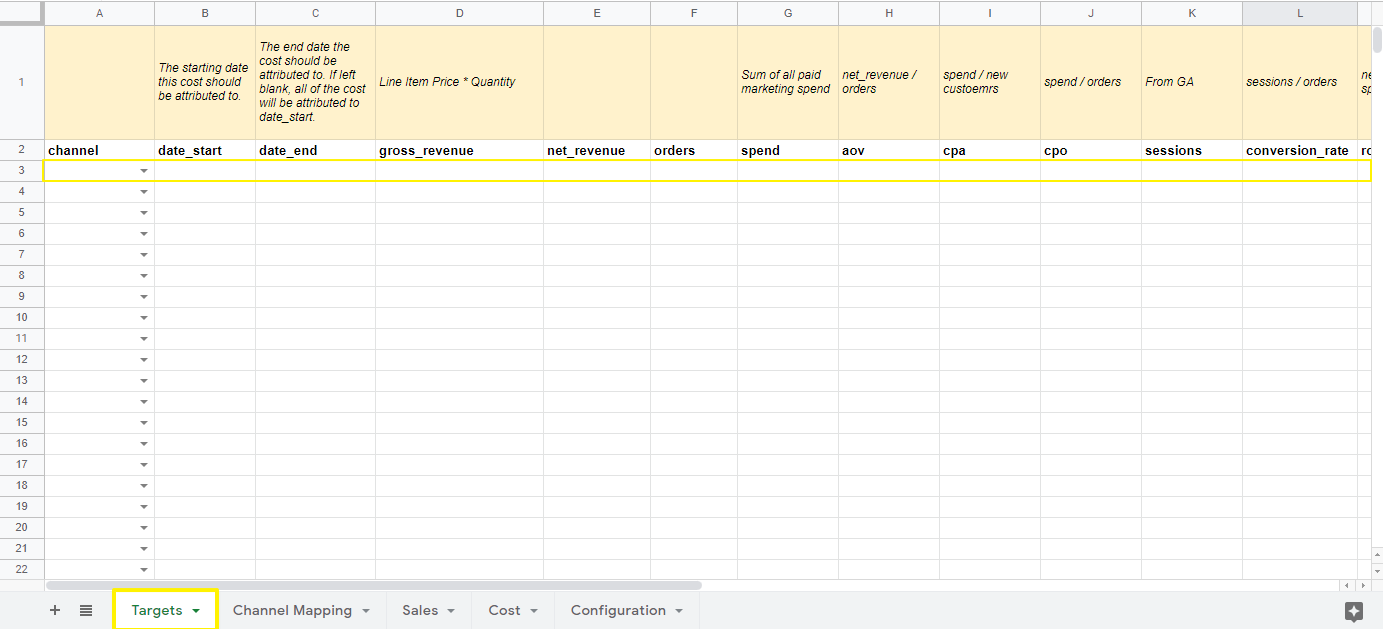
Open the
Targetstab -
Select a channel. This will be the sales channel that you are looking to track metrics for, i.e.
Online DTC(Online DTC is the only option available at the moment for Target Setting as the feature is further developed). -
Add a
date_startin order to indicate when the goal is being tracked starts (We encourage MTD tracking). -
Add a
date_end, this sets the period of time that you want the target applied across. If left blank it will all be set for thedate_startday.- Targets are applied as daily values across the range from
date_starttodate_end(inclusive). - If you want a monthly total target, enter the per-day target value for the month and set
date_endto the last day of the period.
- Targets are applied as daily values across the range from
-
Add target values to the metrics you’d like to track.
- Reach out to the SourceMedium team in your Slack channel or at support@sourcemedium.com to get the target widgets added to your dashboard!